Real browser control
Navigation, clicks, typing, keys, and mouse events happen in the user's own Chrome tabs.
Local browser bridge for agents
Chrome Bridge turns agent instructions into browser-side actions. A local daemon, Chrome extension, and WebSocket bridge connect real tabs, so automation can use login sessions, screenshots, network visibility, and debuggable results.
Current tool
snapshot → click → fill
$ navigate https://console.example.com
$ snapshot returns @e refs
$ fill @e42 campaign_id
$ screenshot ./review.png
Status
daemon
running: true
extension
connected
session
demo
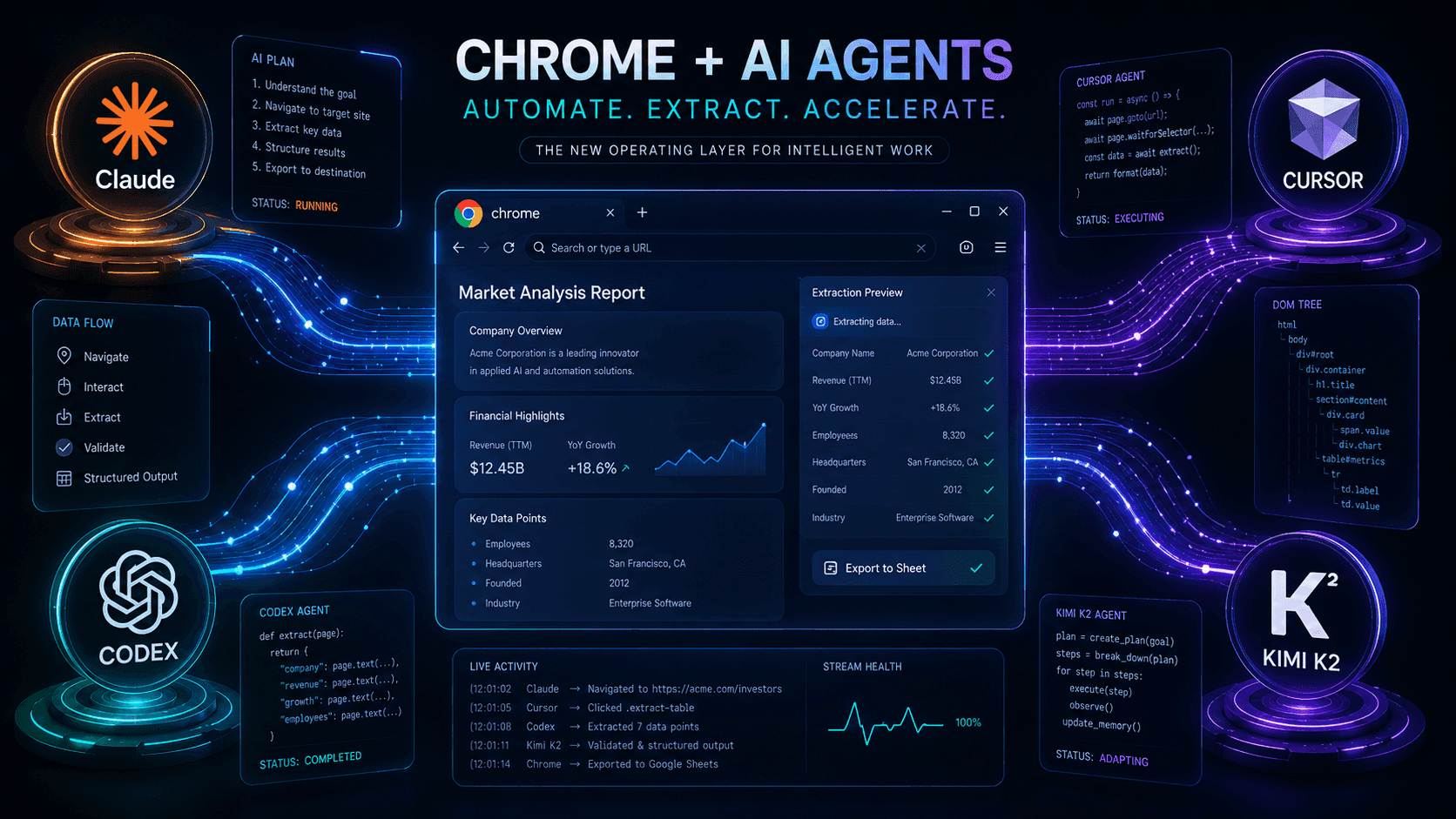
Architecture map
Capabilities
Navigation, clicks, typing, keys, and mouse events happen in the user's own Chrome tabs.
Accessibility snapshots return structured page trees and stable element references.
Capture pages, elements, and PDFs to local files for review, archive, and delivery.
Inspect requests and responses, then use Chrome DevTools Protocol when deeper debugging is needed.
Upload local files into web forms for admin setup, asset submission, and repeated workflows.
Run separate tasks in separate sessions and tab groups, keeping complex flows isolated.
Install
Chrome Bridge has two local parts: a daemon and a Chrome extension. The daemon exposes the 127.0.0.1:10089 HTTP API, while the extension connects over WebSocket and executes actions in real tabs.
Receives agent commands, maintains sessions, forwards tool calls, and saves screenshot or PDF outputs.
The status command reports both daemon health and extension connectivity, making installation issues easy to locate.
macOS / Linux
curl -fsSL https://github.com/zhaocore/chrome-bridge/raw/refs/heads/master/install.sh | bashWindows PowerShell
irm https://github.com/zhaocore/chrome-bridge/raw/refs/heads/master/install.ps1 | iex~/.chrome-bridge/bin/chrome-bridge statusWhen running: true and extension_connected: true both appear, agents can start calling browser tools.
Quick start
Confirm the local service, connect the extension, then let the agent send actions through the HTTP API. Status and logs keep failures diagnosable.
The daemon listens on 127.0.0.1:10089 and receives agent commands.
~/.chrome-bridge/bin/chrome-bridge startThe extension connects over WebSocket and performs actions inside the browser.
~/.chrome-bridge/bin/chrome-bridge statusThe agent sends actions like navigate, snapshot, click, fill, and screenshot.
POST http://127.0.0.1:10089/commandUse cases
This is not a headless-browser replacement. It is for agent automation that needs real login state, real pages, and local control boundaries.
Open real admin consoles, read existing settings, upload assets, fill campaign fields, and capture review screenshots.
Less repetitive clicking with auditable output.
Reuse the user's current login state for pages behind SSO, internal permissions, or post-login checkpoints.
No need to hand credentials to scripts.
Read page structure, inspect network traffic, save PDFs, and turn complex webpages into structured results.
Useful for QA, archival, and competitive research.
Search products across sites, read prices, promotions, inventory, and detail links, then turn them into comparable results.
Reuse real accounts and localized pages.
Open job boards, filter roles by keyword, location, compensation, and company details, then keep source links.
Turn repeated searches into structured lists.
Capture screenshots or export PDFs in batches so key pages are preserved at a specific point in time.
Deliverables land directly as local files.
Architecture
The agent calls a local HTTP API. The daemon validates tool arguments, maintains session state, and forwards work to the extension. The extension executes inside Chrome and sends results back.
Page actions
navigate / click / fill / send_keys / mouse_click
Page reading
snapshot / evaluate / network / cdp
File output
screenshot / save_as_pdf / upload
Tab management
find_tab / list_tabs / close_tab / close_session